A USB-to-RJ45 console cable is a specialized management cable. It is widely used by IT professionals to connect a computer/laptop directly to the console port of enterprise networking equipment such as routers, switches, and firewalls.
The cable provides stable, low-level Command Line Interface access for initial device setup or password resets.
In today’s article, we’ll talk about the unique characteristics of this cable and why it is so valuable. Let’s start.
Primary Characteristics of This Cable
So, a USB to RJ45 console cable converts the USB signals from your PC into a serial interface on the RJ45 side, without requiring an old-school serial port. You also don’t need a multi-piece adapter chain.
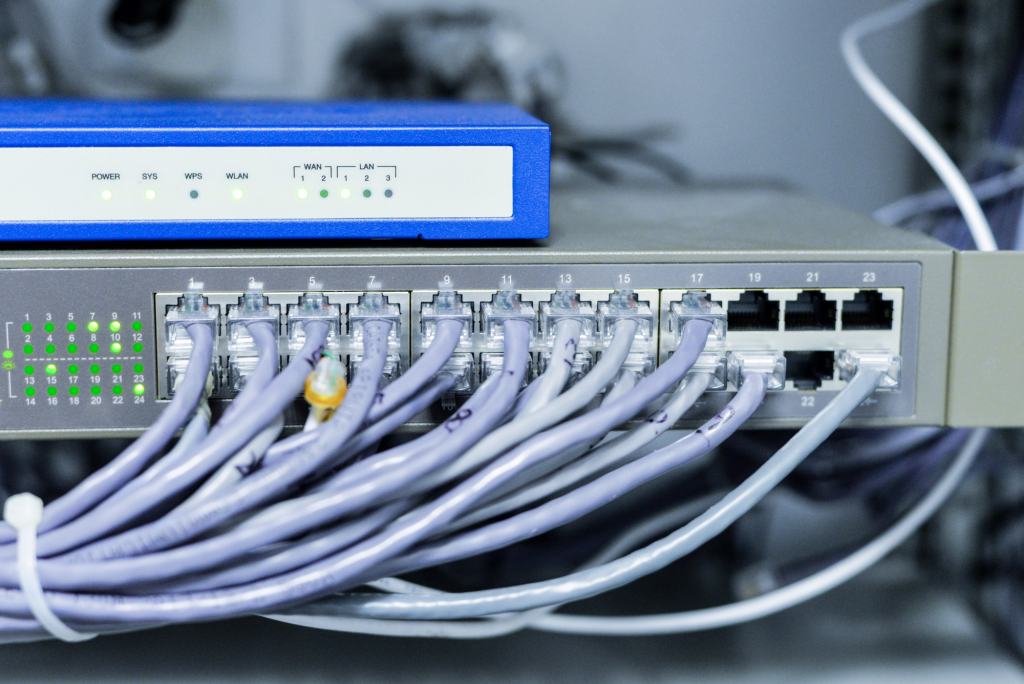
On top of that, the cable lets you open a terminal management program on your computer to configure, debug, monitor, or recover headless networking devices. And even though the RJ45 end looks like a standard network plug, it doesn’t carry normal Ethernet data or internet traffic. This means that plugging this into a regular LAN port will not provide network connectivity and can even cause configuration issues.
Benefits of This Cable
First, it eliminates the need for a DB9 serial adapter. Modern laptops and PCs no longer include legacy RS-232 serial ports, so you no longer need clunky adapter chains. And due to built-in FTDI chips, modern operating systems like Windows 10/11 or macOS can recognize the cable automatically without needing manual driver installation from CDs.
What’s more? The cable can work seamlessly with a range of enterprise vendors, including Cisco, Juniper, and Huawei. The cable also features a compact, flexible design that easily fits in a network technician’s toolkit.
Last but not least, you’ll avoid the drop-offs and handshake issues that people commonly experience with generic USB-to-serial dongles.
Difference Between RJ45 and USB Console Cables
So, the primary difference lies in their structure, how they connect, and how they’re actually used. RJ45 console cables normally use 9-pin or 25-pin serial ends. These are common in older networking systems, but they may not work in modern computers unless you install a special driver.
USB console cables, on the other hand, use a modern USB interface that is way easier to use. Similarly, USB cables can support large amounts of data and enable faster communication with different kinds of networks.
Things to Check Before Getting This Cable
Before getting this cable, you can ask the supplier a few questions to ensure it works seamlessly.
First, make sure the cable uses an authentic FTDI chip rather than cheap cloned chips. FTDI drivers are plug-and-play and are natively supported across major operating systems, whereas low-quality chips often cause driver failures out of nowhere.
Next, verify that the cable is a true rollover/serial console cable, not a standard Ethernet network adapter. Plugging a standard USB-to-Ethernet network adapter into a device’s console port won’t work and can even damage the equipment.
Closely checking these things will help you get a cable that works perfectly as you’ve intended.